SafeHome.org may receive compensation from some providers listed on this page. Learn More
We may receive compensation from some providers listed on this page. Learn More
SafeHome.org may receive compensation from some providers listed on this page. Learn More
We may receive compensation from some providers listed on this page. Learn More
How to choose the right security camera for your needs.


Finding the right security camera for your specific needs is no easy task. Is 4K resolution worth the premium price? Should you add AI smart detection features? Should you look for cameras with local recording or cloud recording? What other features should you look for?
Figuring everything out is a monumental task. We know; we’ve tested well over 200 different security cameras. If you need help picking the right security cameras to buy, we created this guide just for you. By the end you’ll have all the information you need to simplify your search.

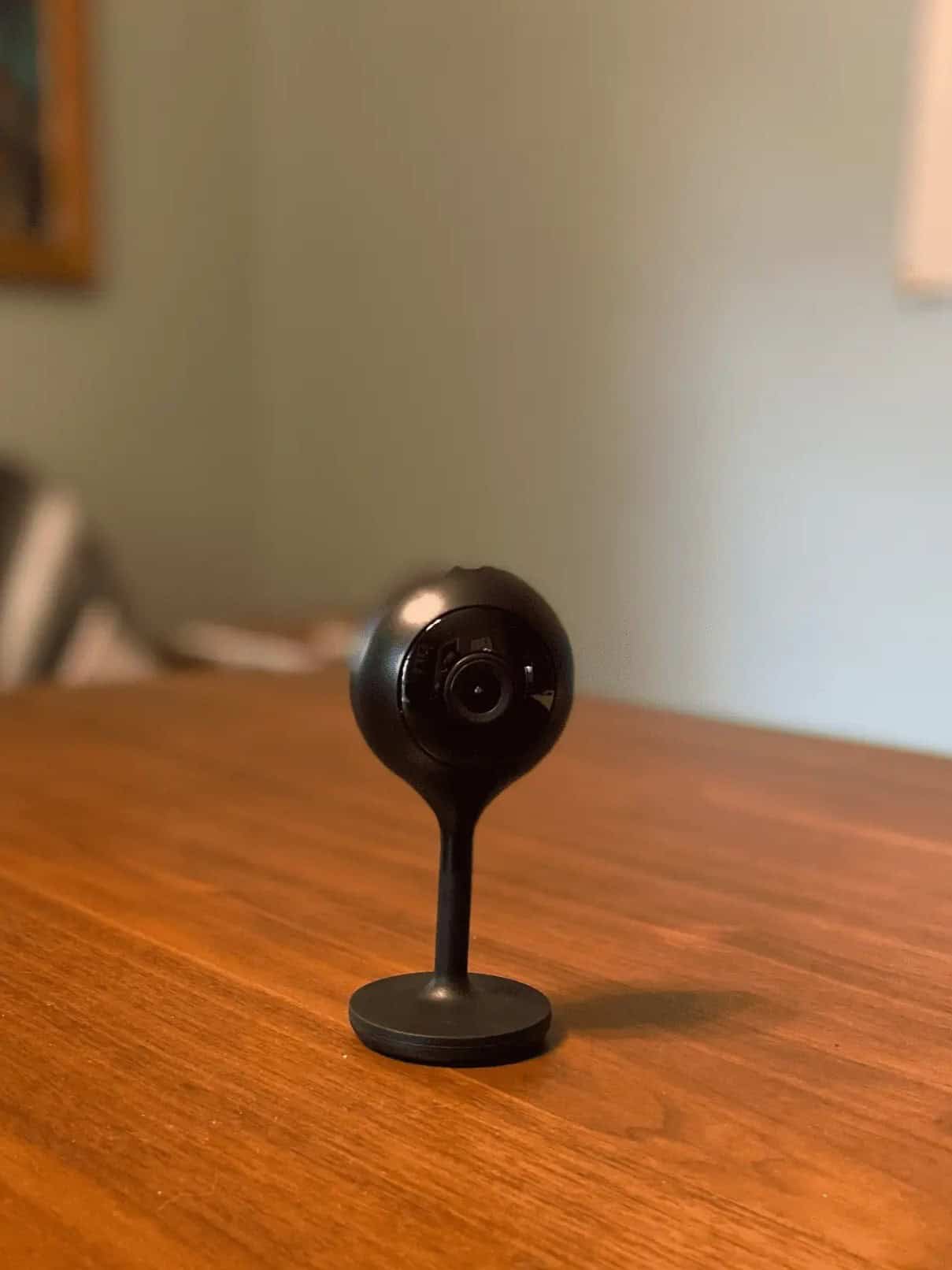
Whether you’re a renter looking for non-intrusive installation, a tech enthusiast wanting AI-powered detection, or a budget-conscious homeowner seeking reliable basics, there’s a perfect camera for you. Throughout our testing, we’ve found security cameras that offer everything from solar power to package detection, available at a range of price points.
Our best lists are organized to highlight the best cameras on the market with each list taking into account specific criteria. For instance, SimpliSafe may have some of the best cameras overall, but they’re too bulky to be considered hidden cameras. Reading our recommendations for specific use cases will help you quickly find the right options for your home.
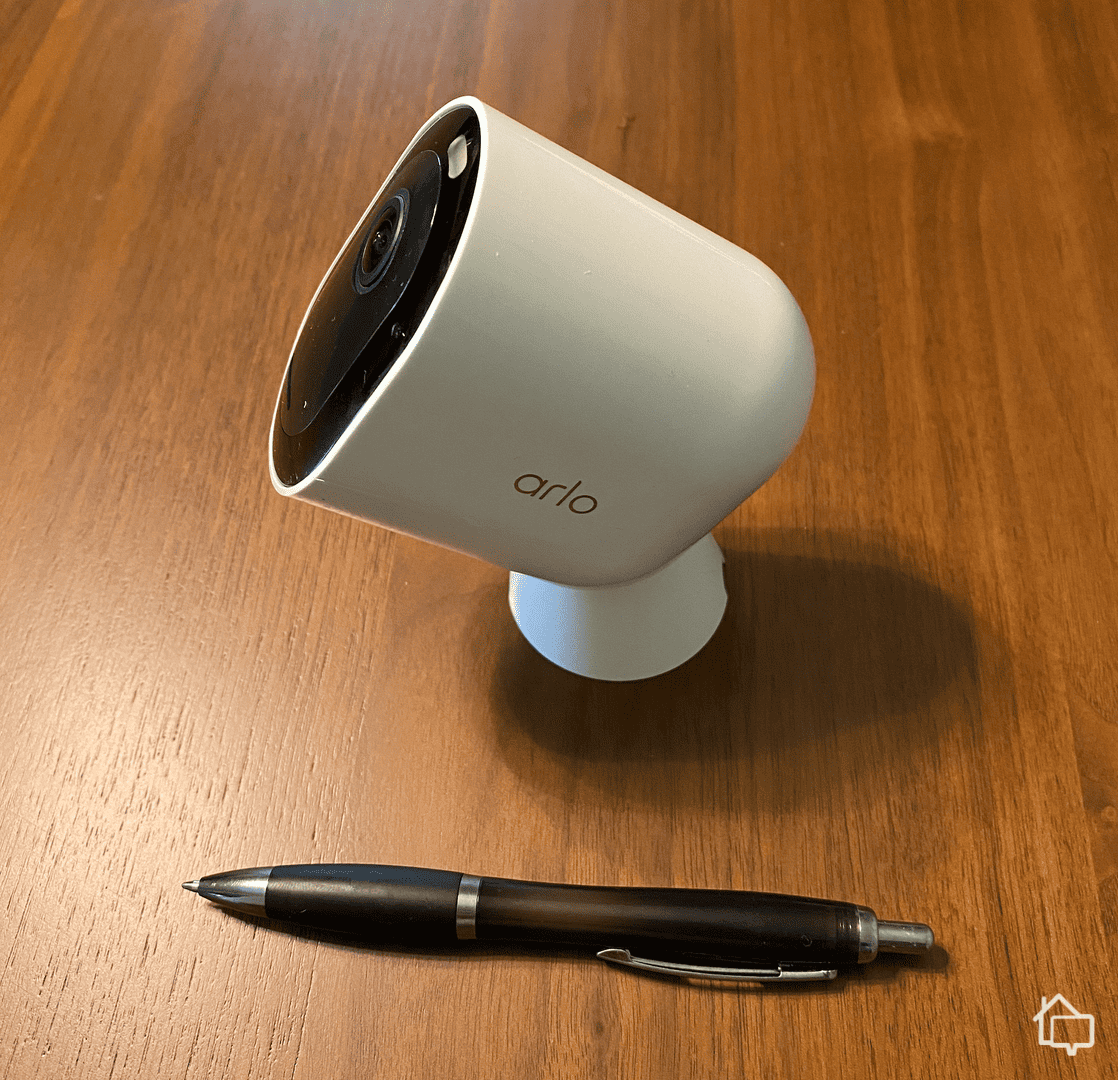
Our camera review pages are set up to give you all the details about individual cameras. Maybe SimpliSafe’s Outdoor Camera sounds attractive, but you want to know more about its image resolution, field-of-view, power options or price. You’ll find it all in our SimpliSafe Outdoor Camera review.
We recommend narrowing your choices down to a few cameras using our lists, and then digging into the details with our review pages. That’s where we provide our first-hand experience using the camera on a daily basis. We’ll give you our honest opinion that’s never sugarcoated.
Tip: Many cities and towns offer camera registration programs in conjunction with local law enforcement. By registering your cameras, you help police quickly identify potential sources of evidence during investigations. Check your local police department’s website for registration options.
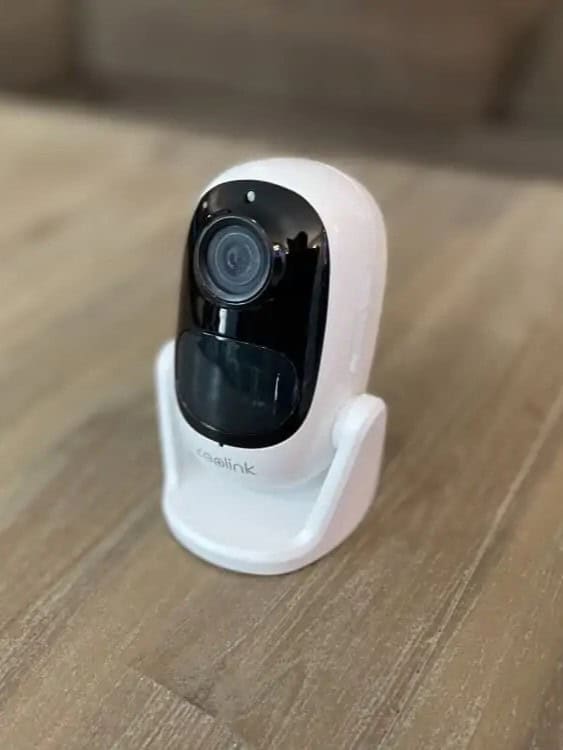
Once you’ve narrowed down your options to those that can meet your security needs, it’s time to look for ones that fit in your budget. Security camera pricing is typically straightforward. You can get indoor cameras from about $30 to $150, outdoor cameras for $100 to $250, and advanced cameras with special features for $200 to $400.
To help you figure out which security camera pricing, here’s our take on prices from some of the most popular security camera manufacturers and providers.
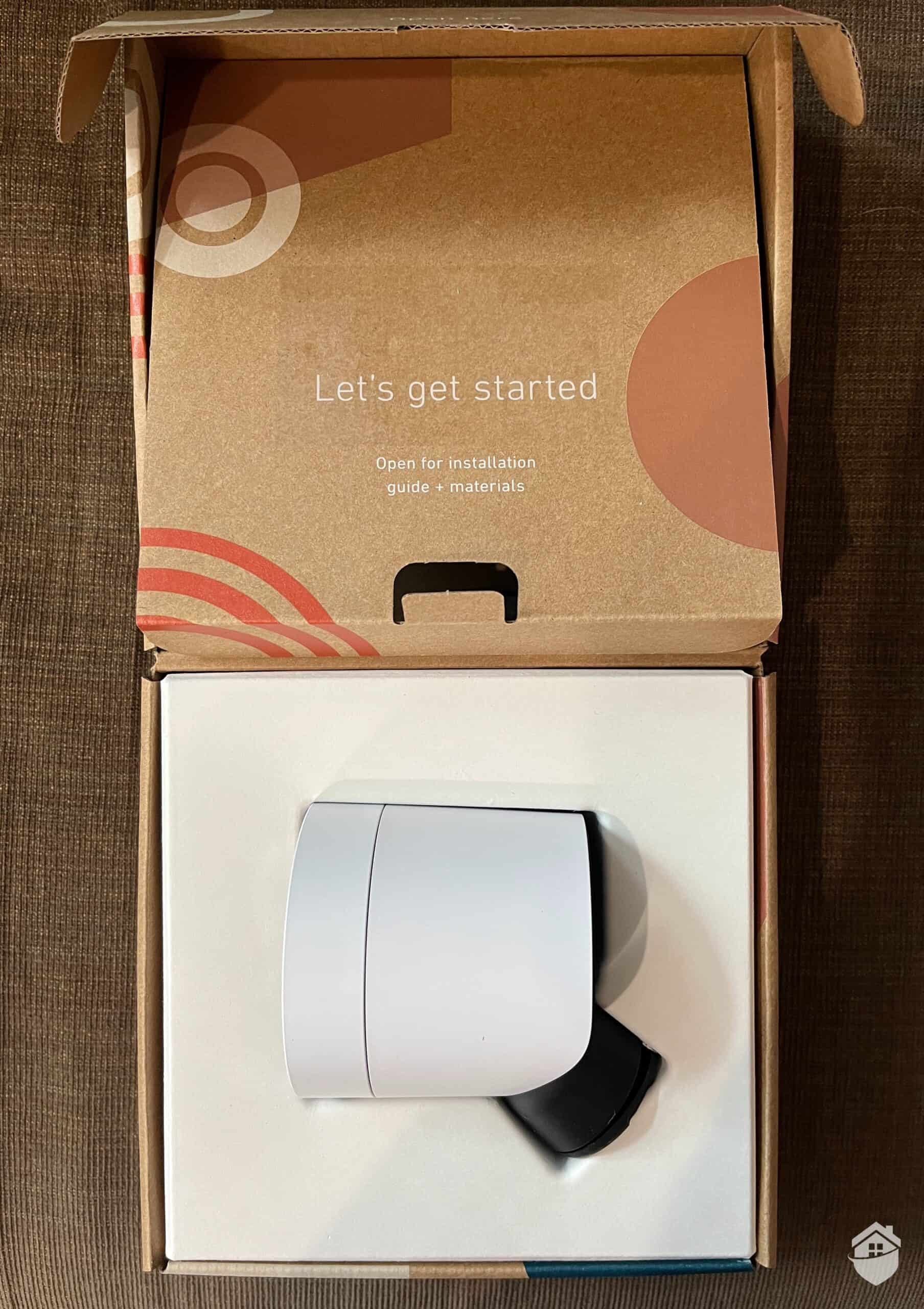
Beyond choosing the right camera, you need to know how effective it is. That’s why we also offer camera use guides written by experts in their field. For instance, we consulted with practicing lawyers in the field of video privacy to create our article on the legality of using security cameras with neighbors.

How does your home measure up when it comes to security? Take this quiz to see how you score, and get recommendations to protect your home.
We all care about the bottom line. Even when it comes to protecting our family, we have to take our personal budget into account. Price matters.
Figuring out the bottom line is more difficult than it should be with security cameras. Of course, there’s the price of the camera itself. But, most providers also require a subscription to store your footage and unlock advanced features.
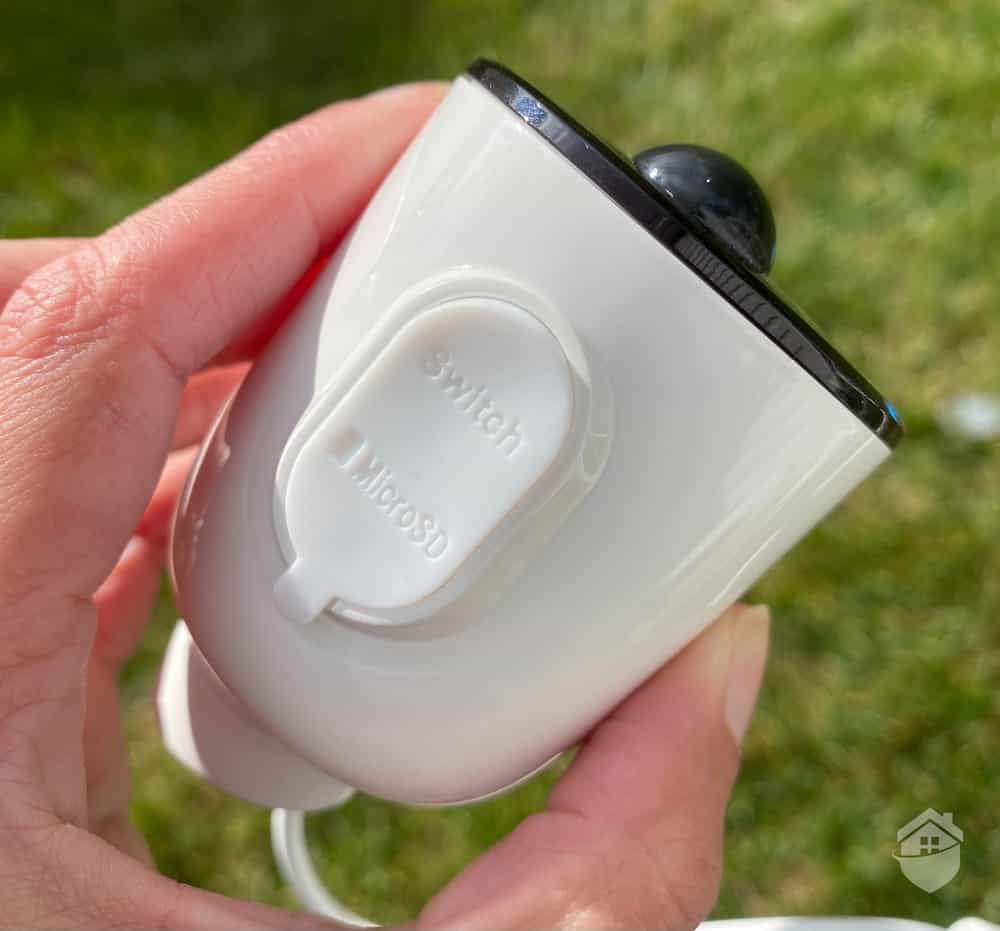
Our Reolink Argus 3 offers a convenient MicroSD card slot behind a cover to keep its water resistance.
There are a few different costs associated with security cameras. First of all, there’s the cost of the camera itself. Then, there’s the cost of video storage. For that, you’ll either need to pay a monthly fee for cloud storage or opt for a camera with local storage options.
Of course, the number of cameras you need also impacts your bottom line. More cameras means more money. Some companies help you offset this by offering bundle discounts for their cameras. For example, many providers offer significant multi-camera discounts. We’ve found some providers reducing per-camera costs by up to 40 percent when you buy four or more.
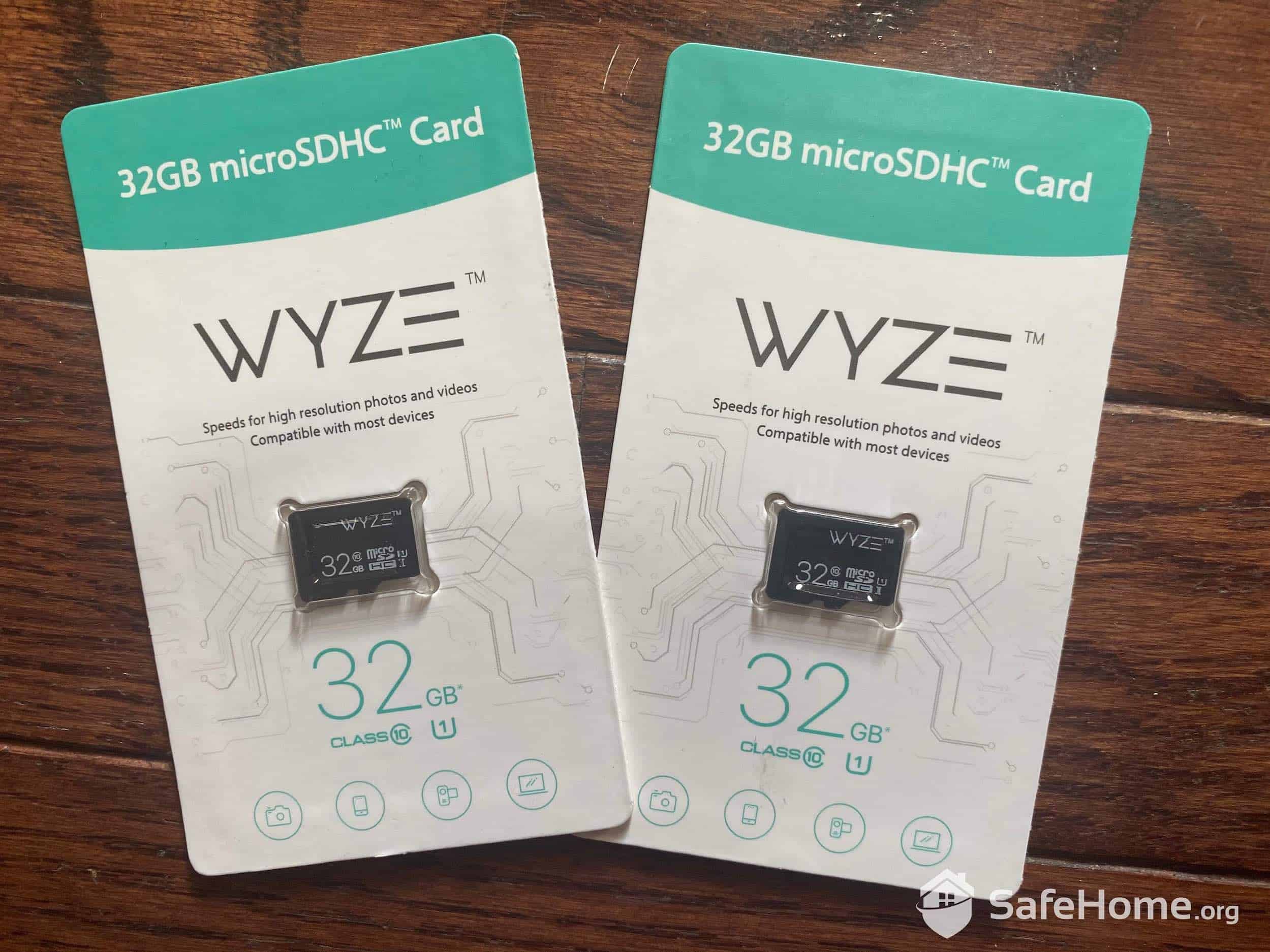
Wyze SD Cards
We like when providers offer both local and cloud storage options, such as Lorex. That way, we can still store footage if we want to cut back our expenses for a month, but we don’t miss out on advanced features like person detection that typically require a cloud plan. These storage plans average between $3 and $30 monthly depending on the number of cameras and storage duration. Most single-camera plans we’ve tested hover around $5 to $10 per month.
Just note that local storage for cameras comes with a few extra upfront costs like SD cards or NVR/DVR systems. A quality 128GB microSD card costs around $25, while NVR systems range from $150 to over $1,000 depending on capacity and features. Providers that offer cameras with local storage also rarely provide professional monitoring, which we consider a bigger drawback.
You can still keep costs low even if you want both cloud storage and professional monitoring. SimpliSafe, for instance, bundles both services into affordable plans. You can even finance your equipment to roll it all into a single monthly fee. Now, let’s figure out if professional monitoring is right for you.
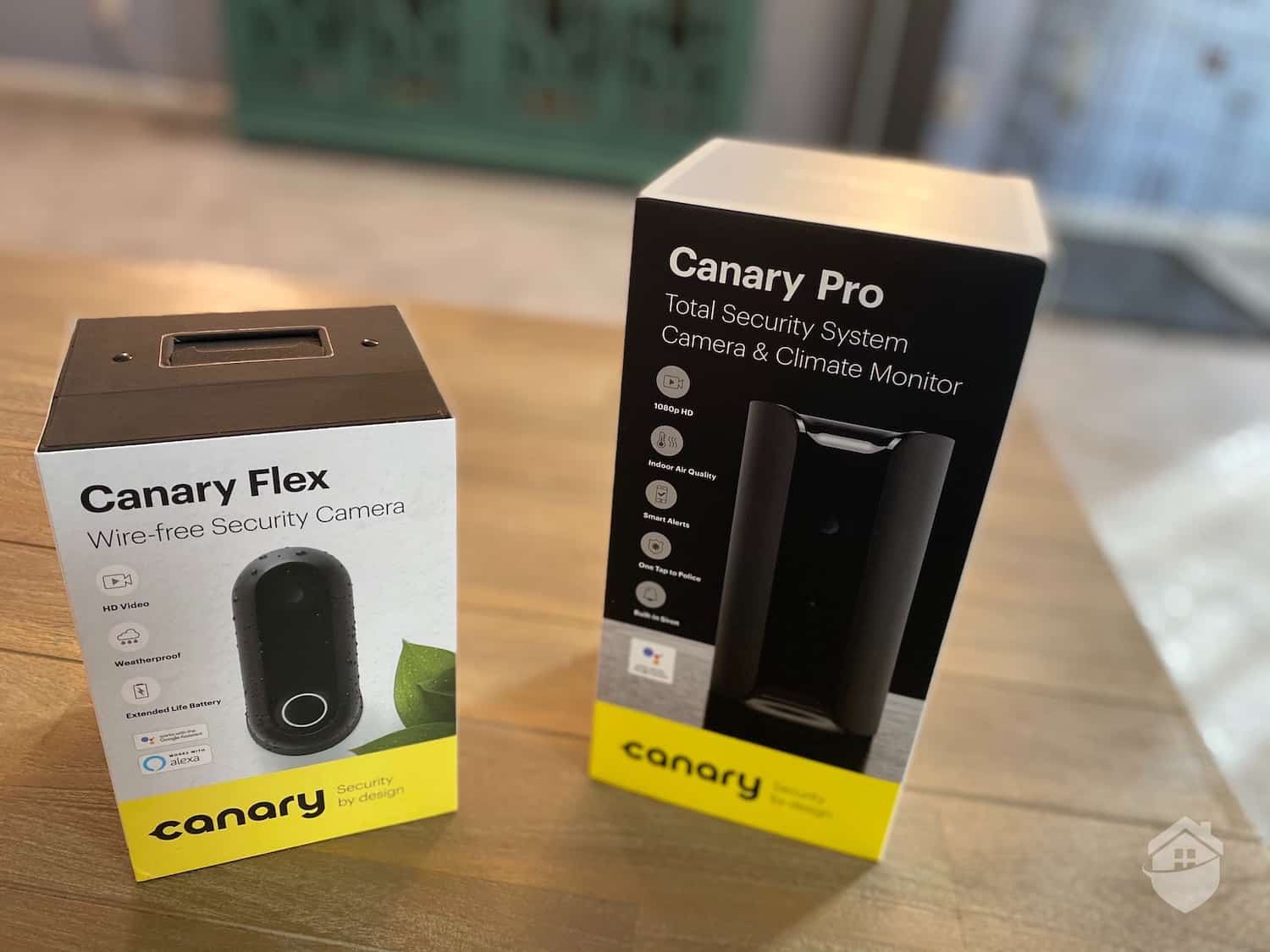
Canary Packaging
Our answer to this question is always a resounding yes. Without professional monitoring, you need to be ready to respond to alerts 24/7 whether you’re out on a movie date or sound asleep on Sunday night. And let’s face it, even if you’re fully committed to the security of your home, you probably don’t want that level of commitment.
We also understand that all of us operate under some budget constraints. If professional monitoring stretches your budget, we suggest looking for flexible month-to-month plans starting around $10 monthly. This way, you can activate monitoring during high-risk periods, such as when you’re on vacation or during the holiday season, when package theft peaks.
In the end, both professional and self-monitoring can be effective. As with so much else, it really depends on your specific situation. But, you need to carefully think through all the options before you make your final decisions.
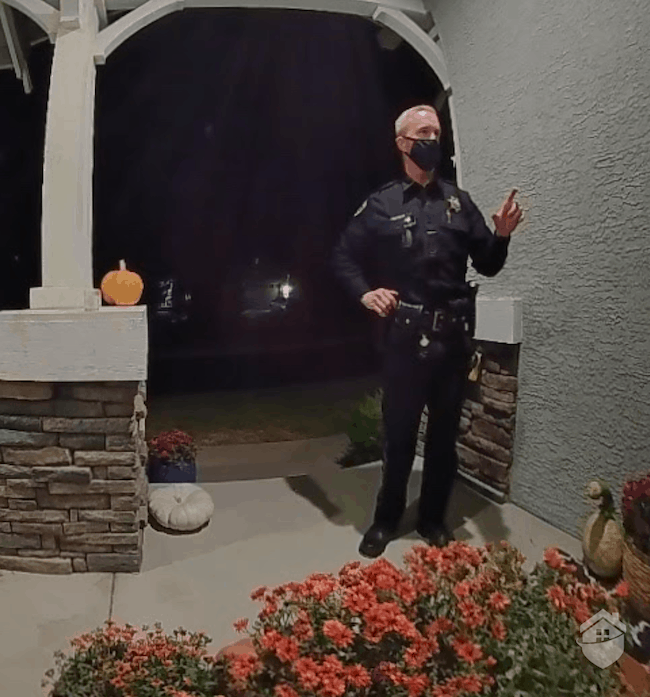
Police Officer checking up on us thanks to Cove Monitoring
For more on that interesting experience, head over to our hands-on Cove security system review. But in the meantime, we’ll say this: Cove happens to have one of the least expensive monthly monitoring fees in this biz. So if you are interested in professional monitoring, a Cove kit might be the way to go. Clearly, it does work! Other great options for whole home security include Ring Alarm, SimpliSafe, and Frontpoint.
Did You Know? Research from the Urban Institute in 2024 found that neighborhoods with visible security cameras experienced up to a 30% reduction in property crimes, with the effect most pronounced when cameras were actively monitored.1
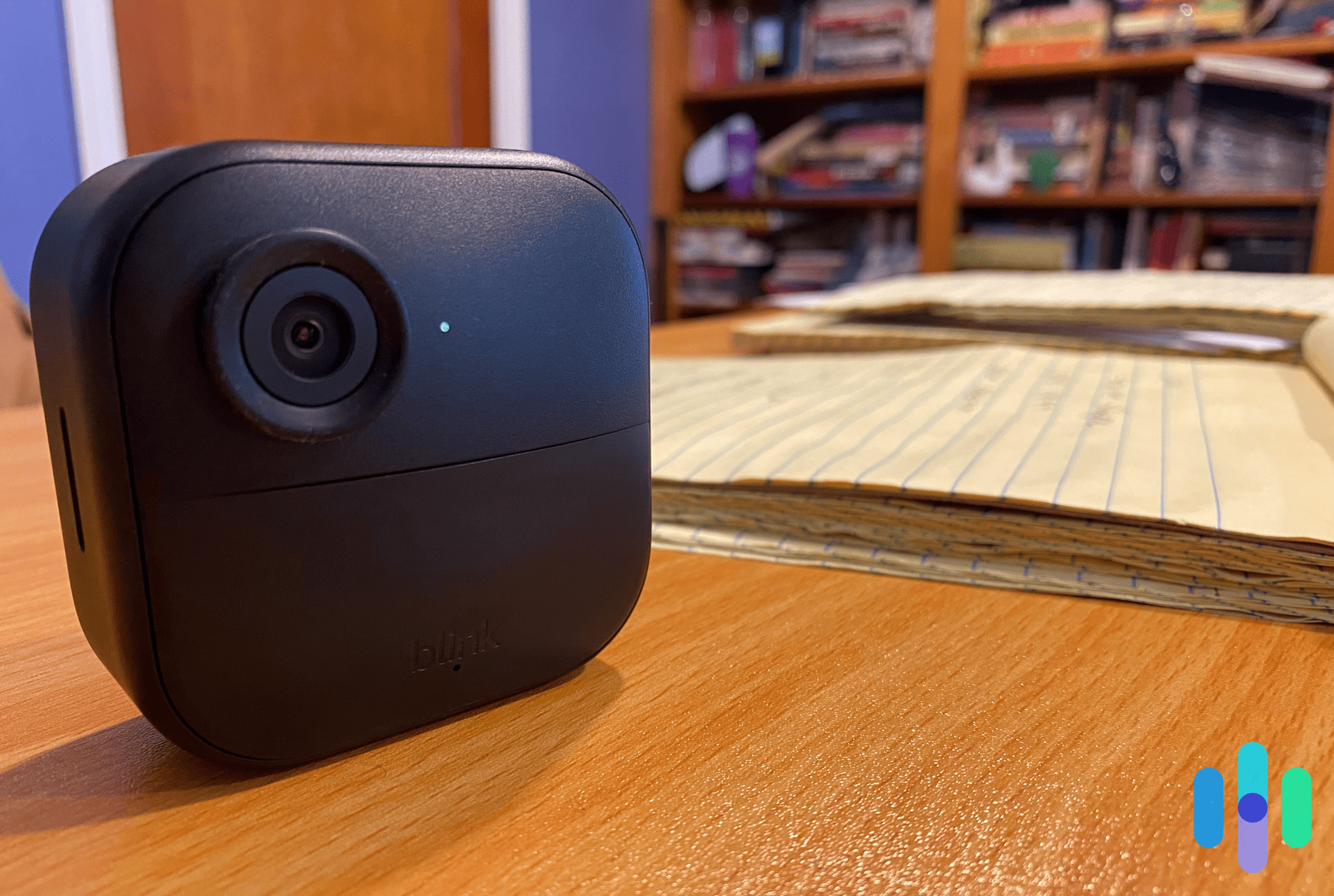
Before mounting our Blink Outdoor 4 above our garage, we had to pair it to the Blink Sync Module 2
Sure, you can go into a Best Buy and buy a home security camera right off the shelf. Take it home, hook it up, and your home will be safer because of it. However, you won’t be getting the best value or protection by doing that. You might miss out on crucial features like AI-powered detection, smart home integration, or the ability to distinguish between people, packages, and pets. These features can reduce false alerts and increase security effectiveness.
By reading through this guide, you’re ready to make a more informed buying decision. You can accurately assess your home’s security needs and find quality cameras that offer those exact protections. From those cameras, you can read our hands-on reviews and guides to figure out which one best fits your current needs and budget.
Urban Institute. (2020). Public Surveillance Cameras and Crime.
https://www.urban.org/research/publication/public-surveillance-cameras-and-crime